What is the Waiting For list in GTD? How to track what others owe you
Waiting For is the GTD list for things other people owe you. What belongs on it and what doesn't, how items move there from the Inbox, how the weekly review keeps it from going stale, and how it works in GTD Brain.
Start free for a month →No charge for your first month · Cancel anytime
On this page
In GTD (Getting Things Done), the Waiting For list holds everything you are waiting on someone else to do. You asked the electrician for a quote, legal has the contract, the shop owes you a refund. None of these is your next action, but each one is still your problem if it never arrives. So you write down what you are waiting for, who has it, and since when. Then once a week you read the list and chase whatever has sat too long.
Why GTD keeps a separate list for it
Handing something off feels like finishing it. It isn't. If the plumber never sends the quote, the tap still drips, and you only notice weeks later. David Allen's fix is simple: anything you delegate gets written down, so you no longer have to remember to wonder about it. You can stop thinking about the quote because you know you will see it again on Friday.
It also keeps your Next Actions list clean. That list should only hold things you can do yourself, right now. “Get the contract back from Priya” isn't one of them, and if it sits there you will skip past it every day.
What belongs on Waiting For
Anything where the ball is in someone else's court:
- Work you handed to a colleague: “Contract redlines from legal”
- Answers you asked for: “Quote from the electrician”
- Things you ordered or paid for: a parcel, a refund, a repair
- Replies you are owed: a landlord, a school, a support ticket
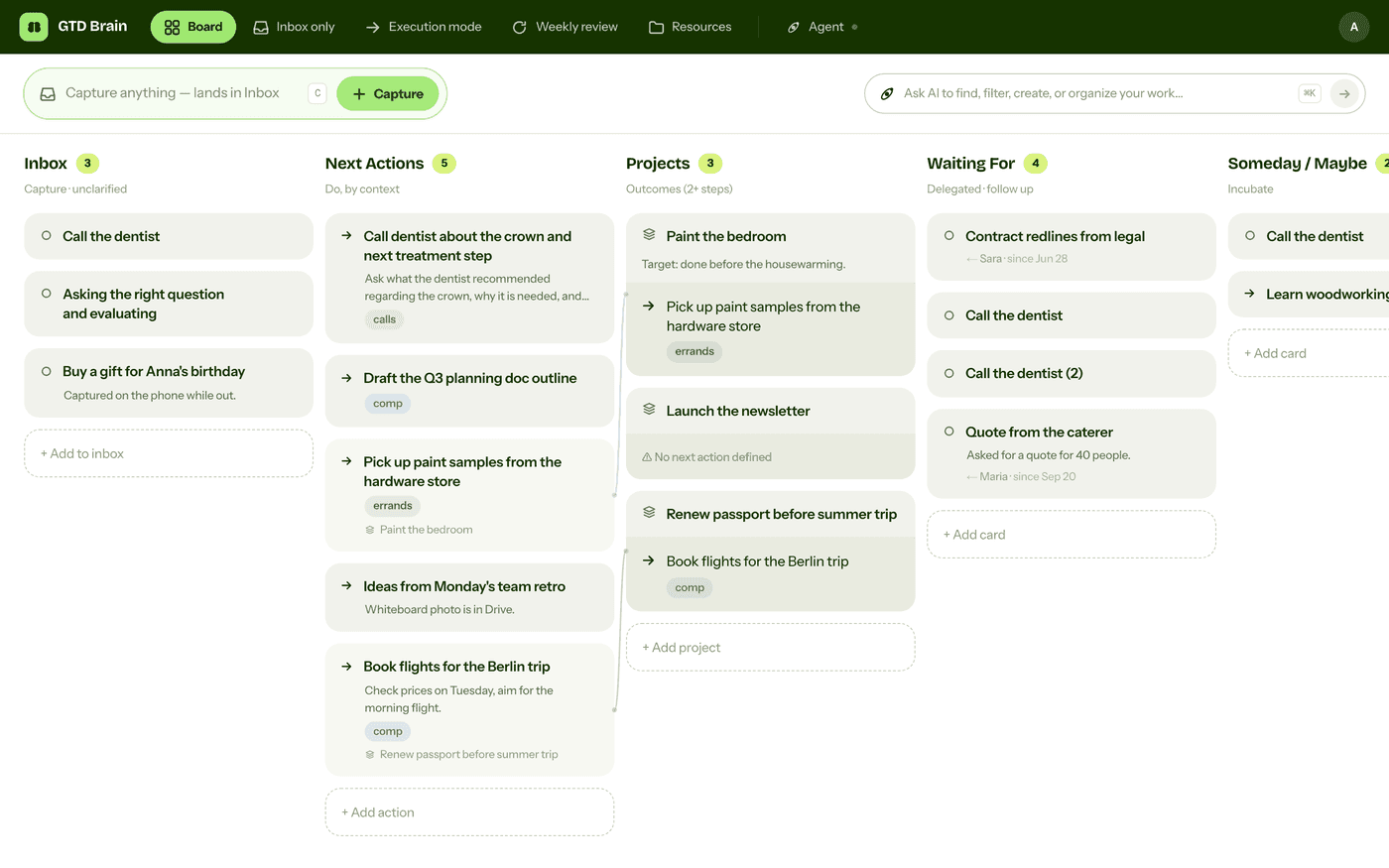
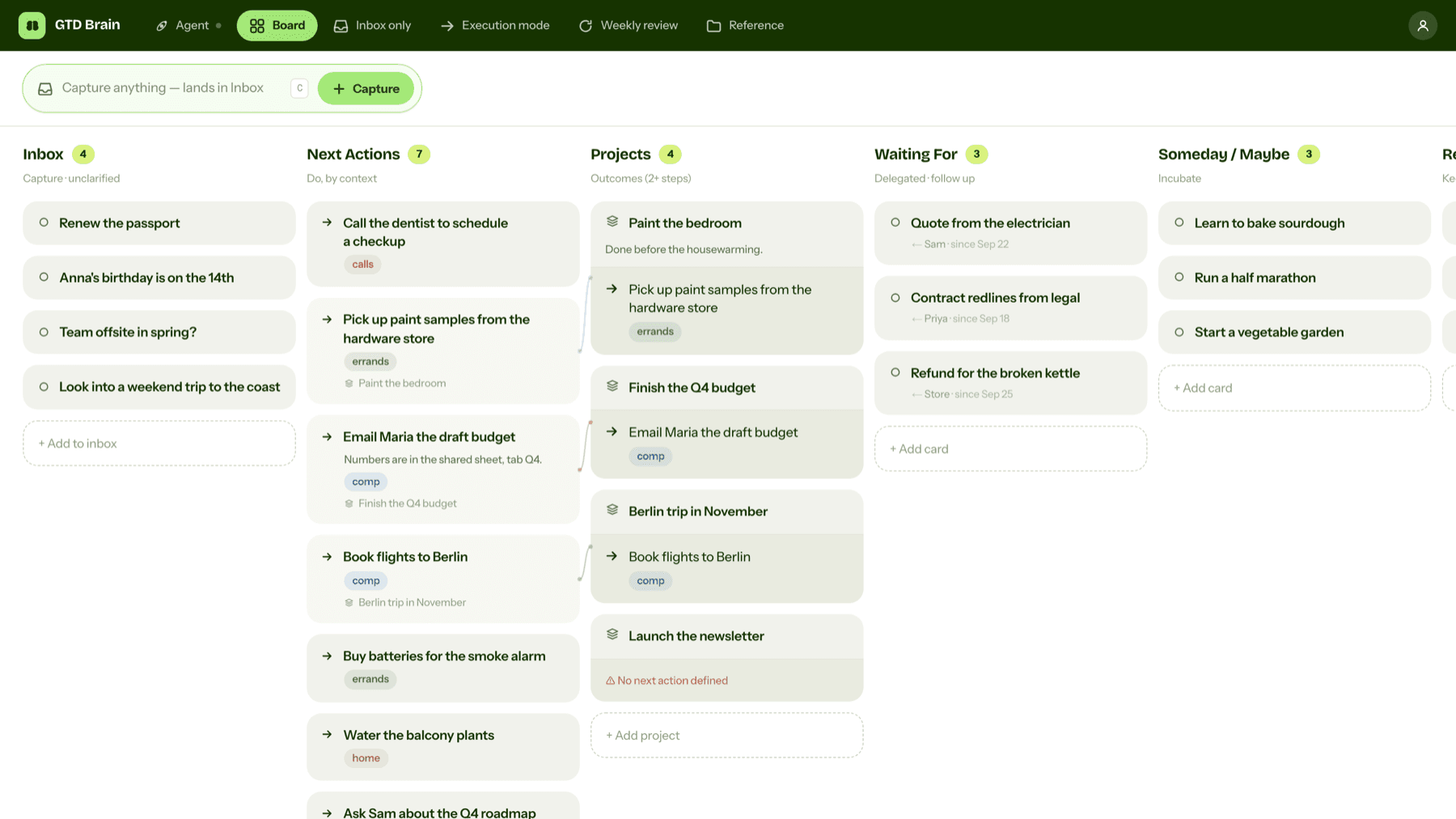
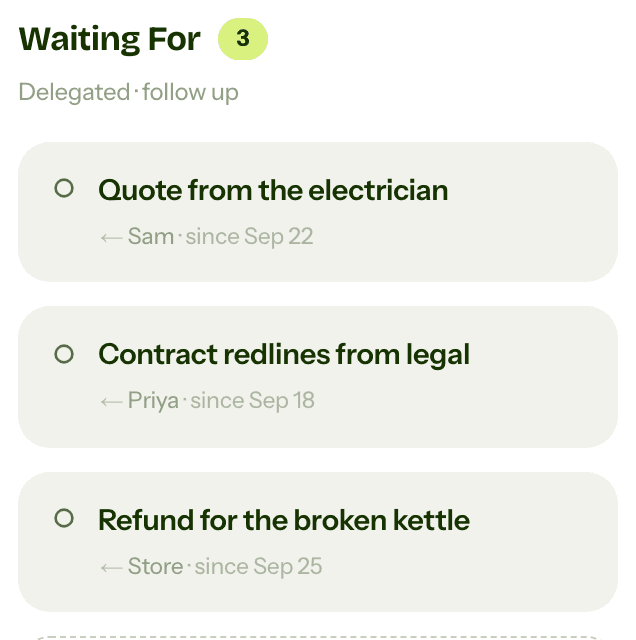
Each item needs two details besides the title. Who has it, so you know whom to chase. And since when, so you can tell a fresh item from a stale one. “Refund for the broken kettle, the store, since Sep 25” tells you everything at a glance.
What doesn't belong: anything you still have to do yourself. If you need to send the email before anyone can reply, that email is a next action. It moves to Waiting For only after you send it. Meetings and appointments go on your calendar, not here.
How items get there: clarifying the Inbox
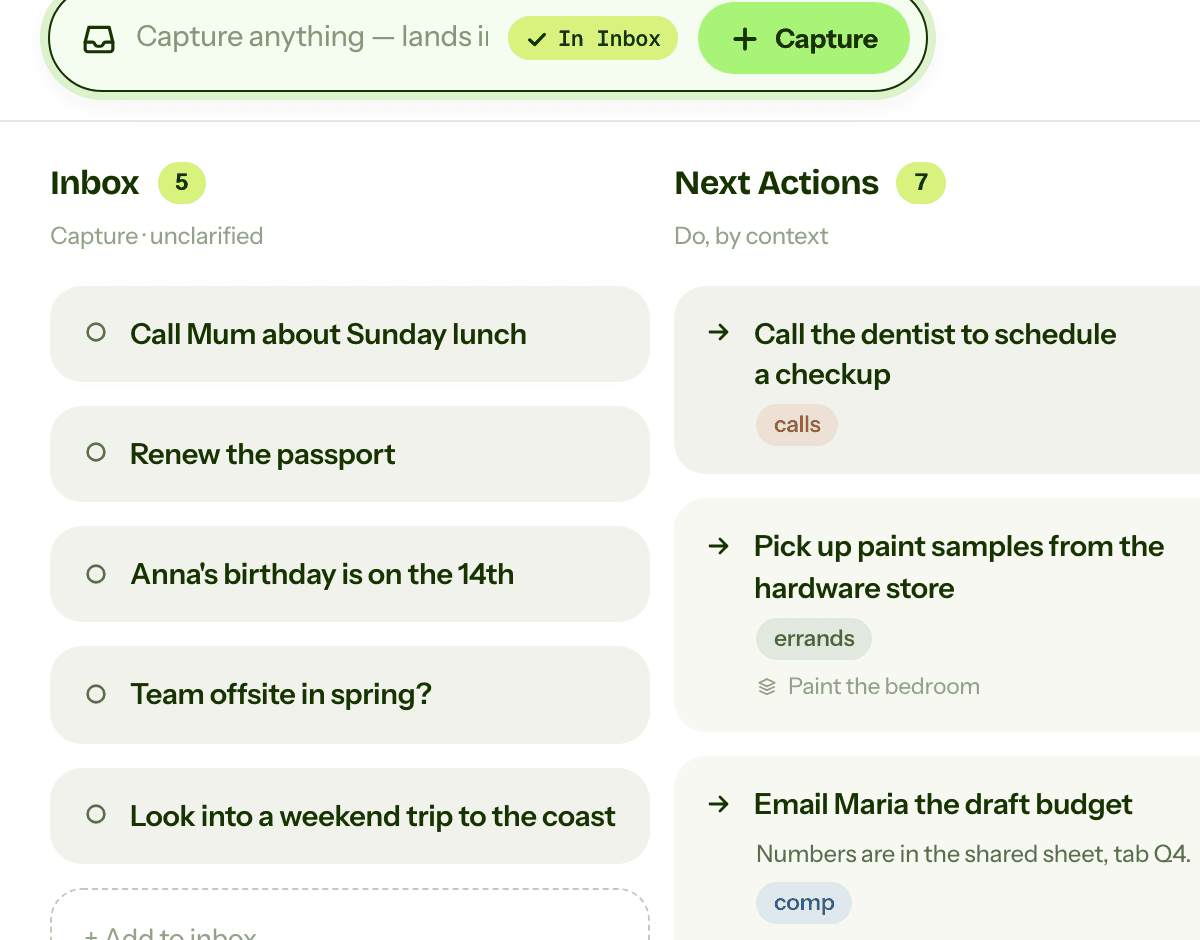
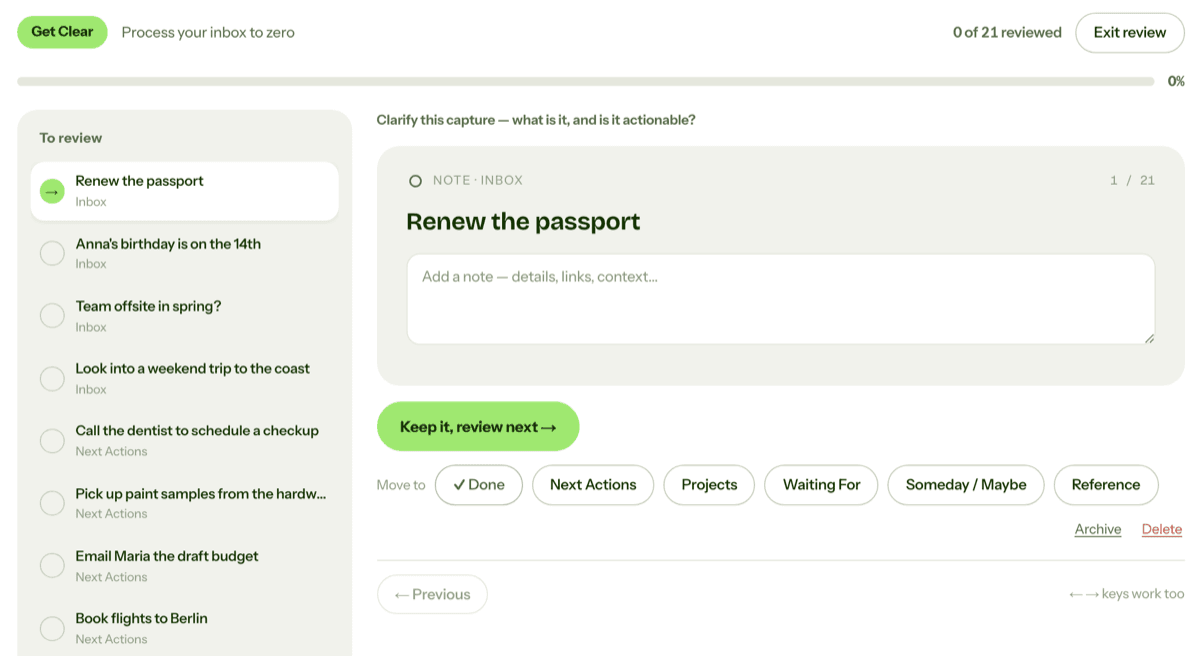
Most Waiting For items start in the Inbox. When you clarify an item, one of the questions is whether you are the right person to do it. If someone else should, hand it off (send the email, make the request) and put a card on Waiting For with their name and today's date.
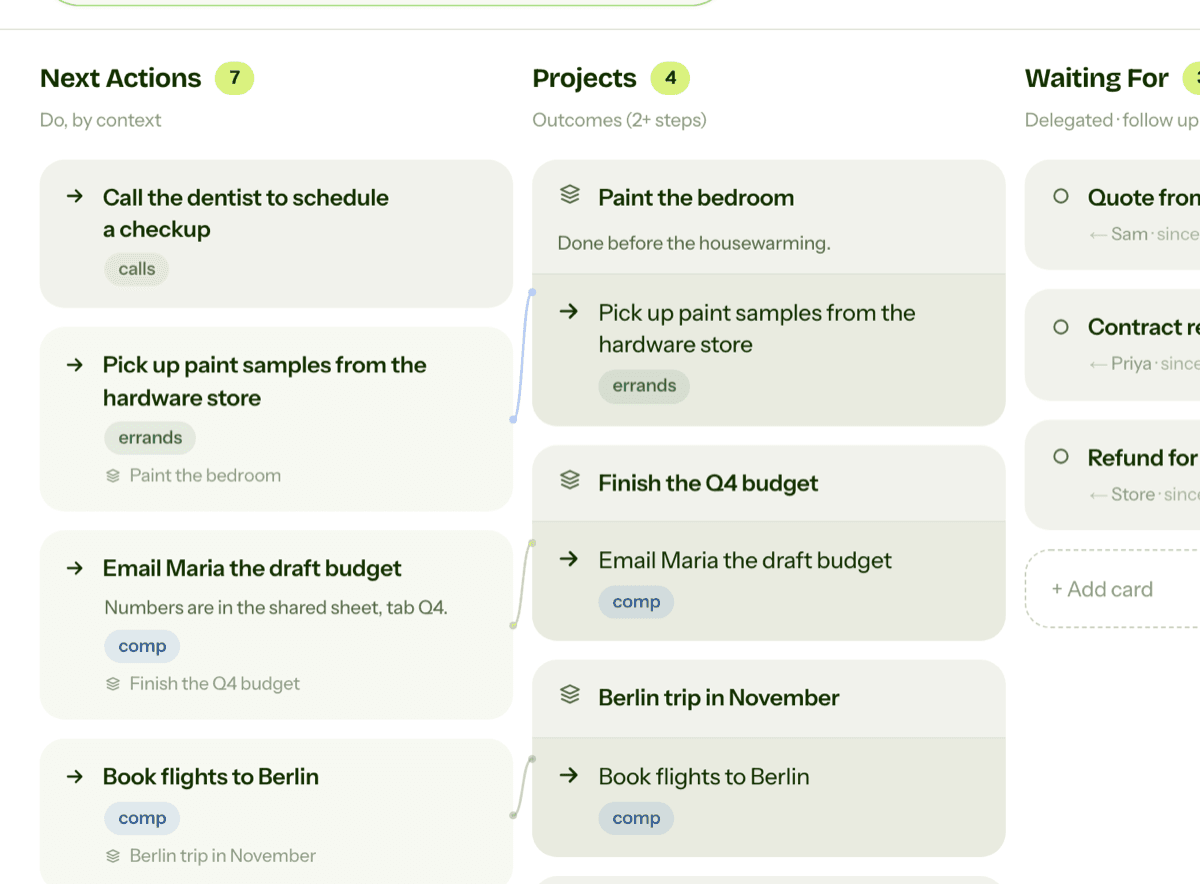
Items also arrive from your own work. When you finish a next action like “Email Maria the draft budget”, the next step is often hers. Move the card to Waiting For instead of ticking it off, and the project doesn't silently stall.
Reviewing it: chase what has gone quiet
You read Waiting For during the weekly review, in the “Get Current” part, together with Projects and Next Actions. For each item ask: did it arrive? If yes, take it off the list, and add a next action if it needs one. If not, and it has waited longer than you'd like, send a nudge. A short message after a week usually does more than an annoyed one after a month. Some people also glance at the list before a meeting with someone, to raise everything that person owes them at once.
Waiting For in GTD Brain
In GTD Brain, Waiting For is a column on the board. Open a card there and you get two extra fields, “Waiting on” and “Since”, and the card then shows both under its title. The iPhone and Android apps have the same fields, labelled Who and Since.
The guided weekly review walks through Waiting For in its Get Current step and asks one question for each card: still waiting? When the thing arrives, move the card to Done or to Next Actions in one tap. On the web, Execution mode shows only Next Actions, Projects and Waiting For, so you see what you can do and what you are waiting on side by side.
Ask your assistant
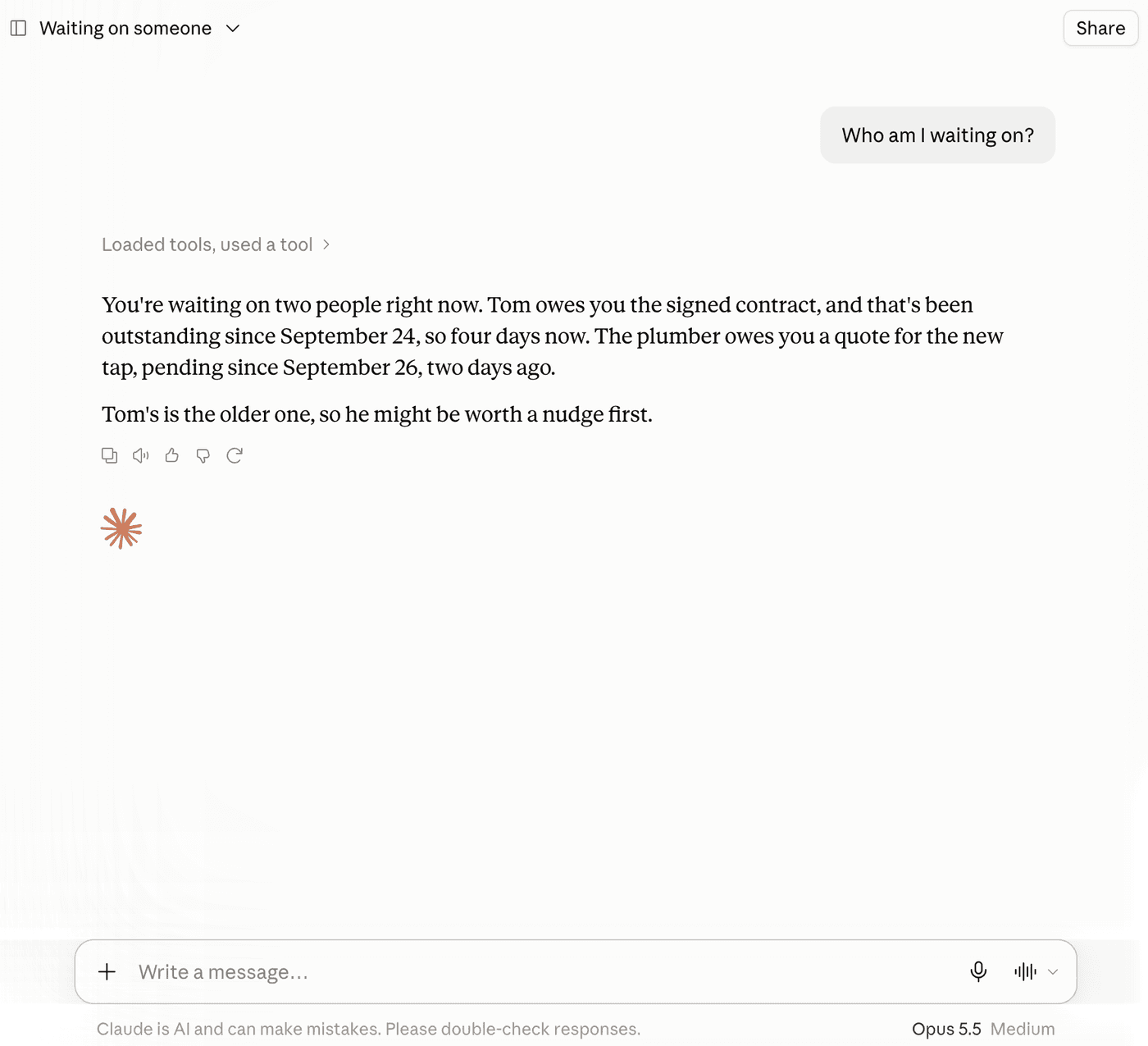
With GTD Brain connected to ChatGPT or Claude, you can ask “Who am I waiting on?” and get the list with names and dates. Claude, for example, points out which item is the oldest. You can also delegate in a sentence, like “put the quote from the plumber on Waiting For, since today”. The ChatGPT guide and the Claude guide cover the setup.
If you want the method without the workarounds
Everything above is real GTD, and plenty of people run it in a notes app for years. I built GTD Brain for the parts that keep breaking: it is a board with the GTD lists built in (Inbox, Next Actions with contexts, Projects, Waiting For, Someday), a built-in agent that clarifies your inbox into next actions, and a guided weekly review that walks you through the whole board card by card. The same board is on the iPhone app, the Android app and the web, and you can talk to it from ChatGPT, Claude and other assistants through the assistant connections.
You sign in with an email code, no password. The yearly plan starts with a free month and you can cancel before it bills. If you have read this far, you already know how the lists work, so the setup takes about two minutes: sign in at gtdbrain.com and do your first brain dump into the inbox.
Questions people ask
What is the Waiting For list in GTD?
Waiting For is the Getting Things Done list for everything you are waiting on someone else to do or deliver: a quote, a reply, a refund, work you handed to a colleague. Each item records who has it and since when, so you can see at a glance what to chase and how long it has been.
What should go on a GTD Waiting For list?
Anything where the next step is someone else's: work you delegated, answers you asked for, orders and refunds, replies you are owed. Anything you still have to do yourself, such as sending the email that starts the wait, is a next action instead. Appointments go on the calendar, not on Waiting For.
How often should you review Waiting For?
At least once a week, during the weekly review, together with Projects and Next Actions. For each item, check whether it arrived. If it did, take it off the list. If it has waited too long, send a short reminder. Some people also check the list before meeting someone who owes them things.
What is the difference between Waiting For and Next Actions?
Next Actions holds steps you can take yourself, right now, in a given context such as @calls. Waiting For holds things you cannot move until someone else acts. Keeping them apart means your Next Actions list only shows real work, while delegated items still get checked every week.
Start free for a month →No charge for your first month · Cancel anytime