Blog

GTD setup guides and notes

GTD guides: Apple Reminders, Microsoft To Do, Obsidian, Notion, Telegram, VS Code, IntelliJ, Chrome, Gemini CLI, ChatGPT, Claude, Claude Code, Cursor and Grok.

Setup guide

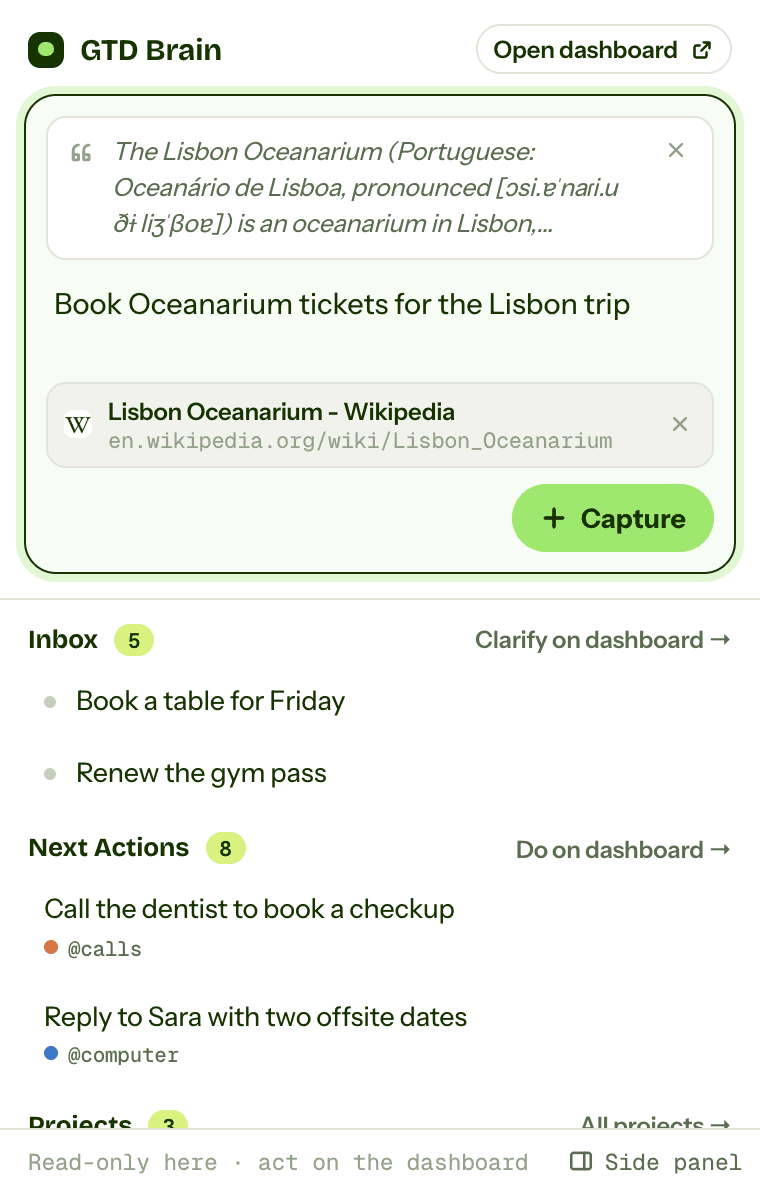
How to do GTD in Chrome (open tabs, the Reading List, and a GTD Chrome extension)

A Getting Things Done setup in the browser: treat open tabs as an inbox, use the Reading List and one bookmarks folder per list with each bookmark renamed to its next action, tab groups for active projects, a daily pass to zero tabs and a weekly review, then where bookmarks stop being tasks and the GTD Brain extension for Chrome, Edge and Firefox that captures a page or a selection to the Inbox, with screenshots.

· 8 min read

Setup guide

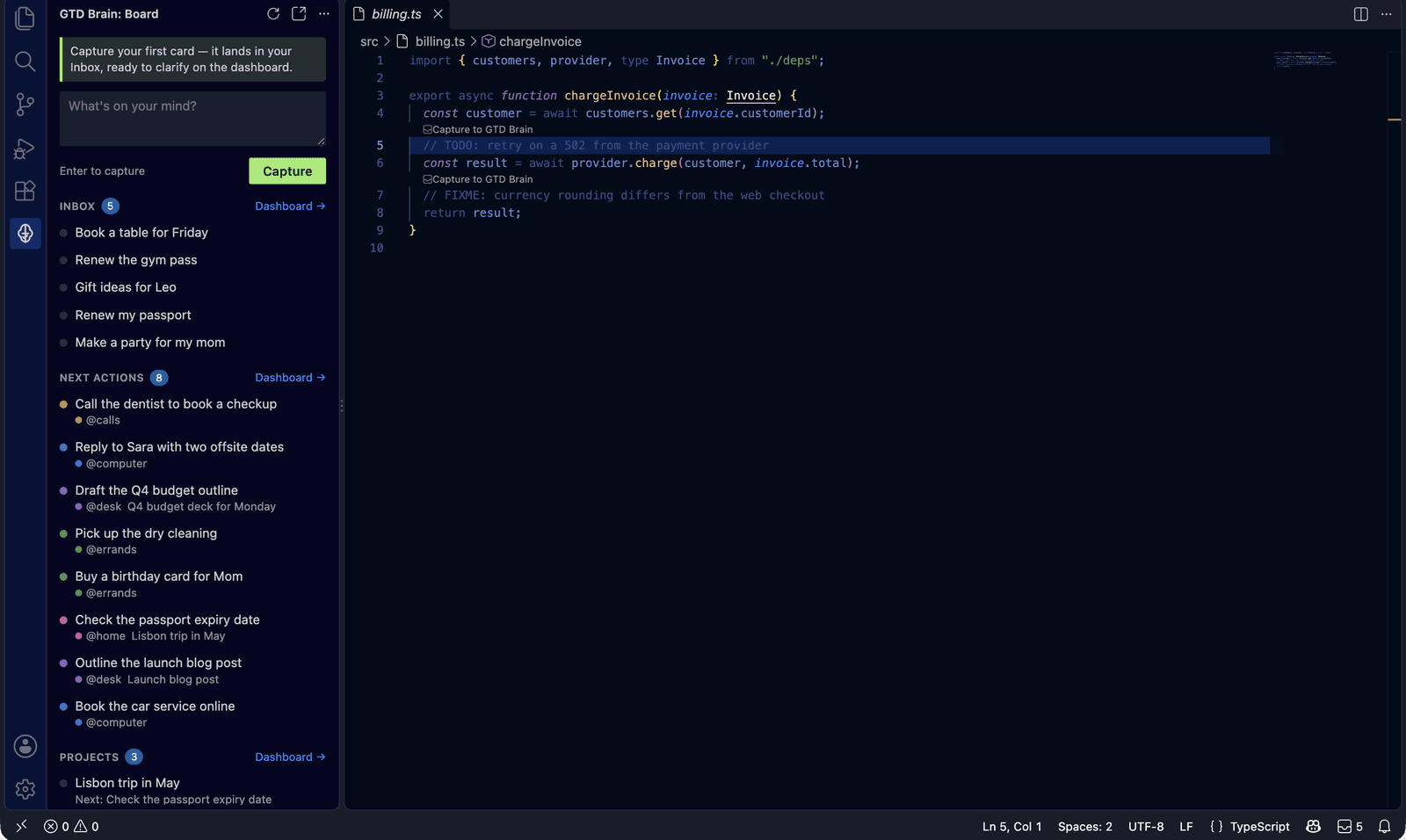
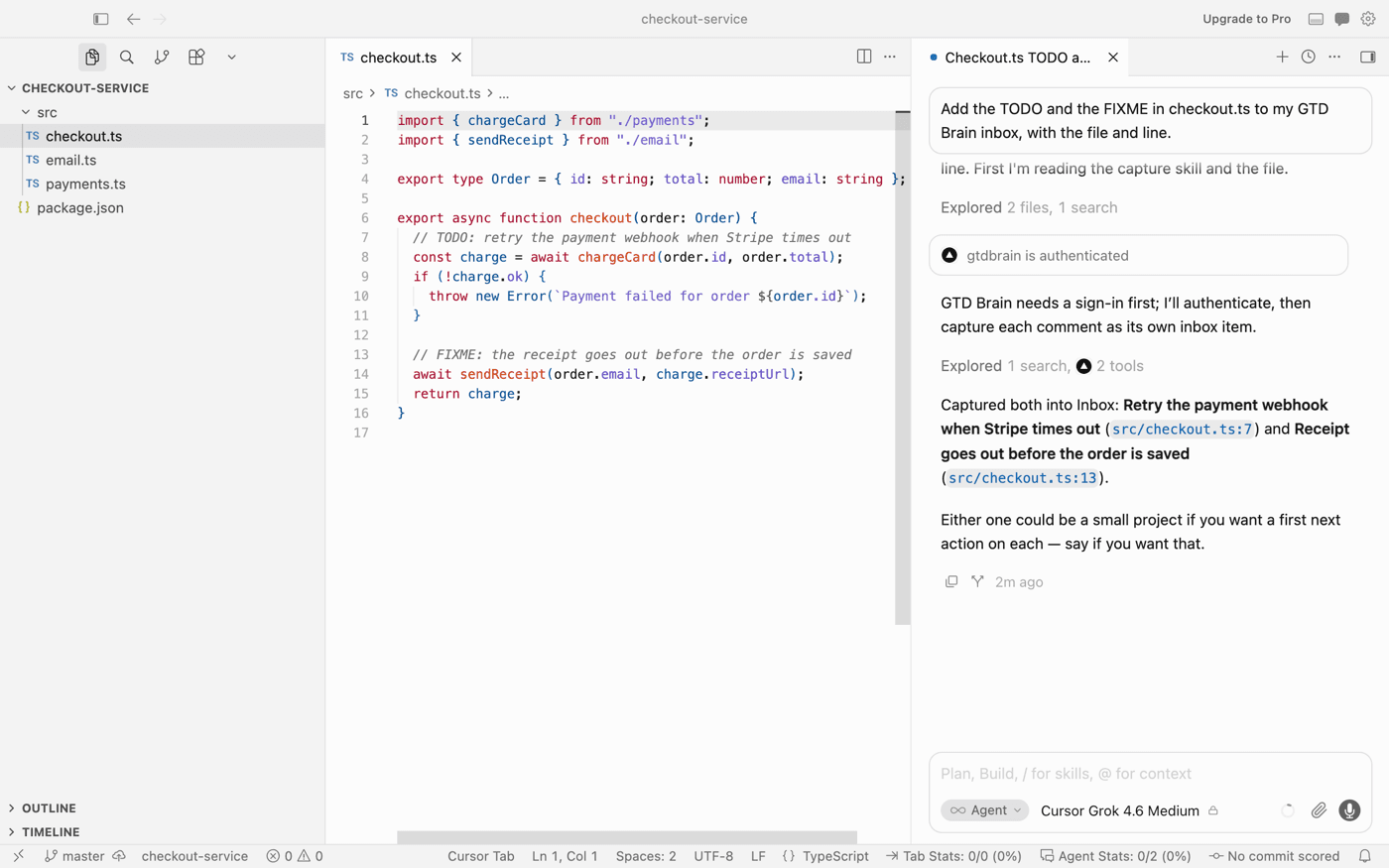
How to do GTD in VS Code (Markdown lists, TODO comments, and where it breaks)

A complete Getting Things Done setup inside VS Code, with screenshots: a gtd folder with one Markdown file per list, contexts as headings, TODO and FIXME comments treated as inbox items, a daily clarify and a weekly review, then where a folder on one laptop stops working and the GTD Brain extension that captures TODOs in one keystroke to a board your phone shares.

· 8 min read

Setup guide

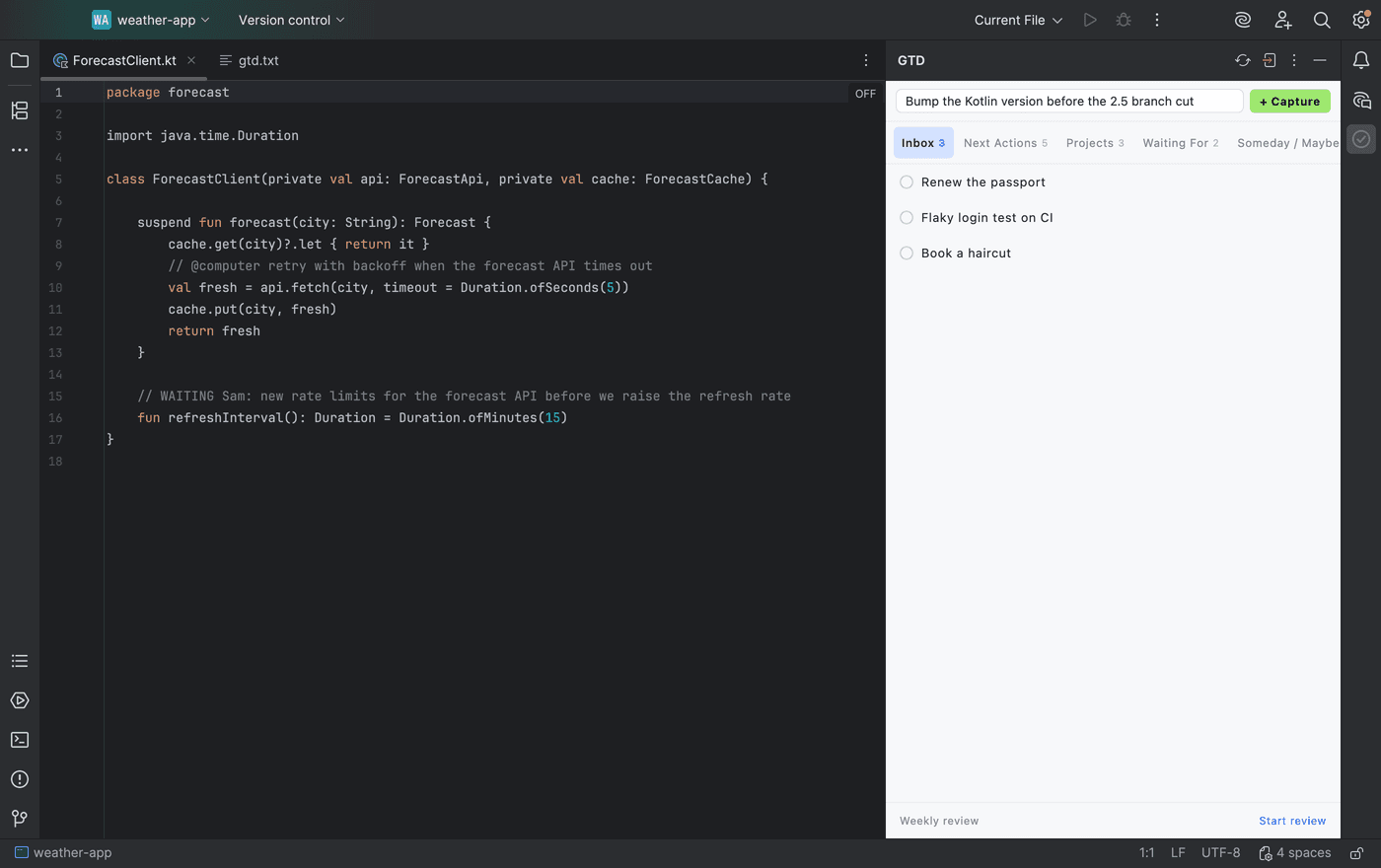
How to do GTD in IntelliJ (TODO filters, contexts, and the GTD Brain plugin for JetBrains IDEs)

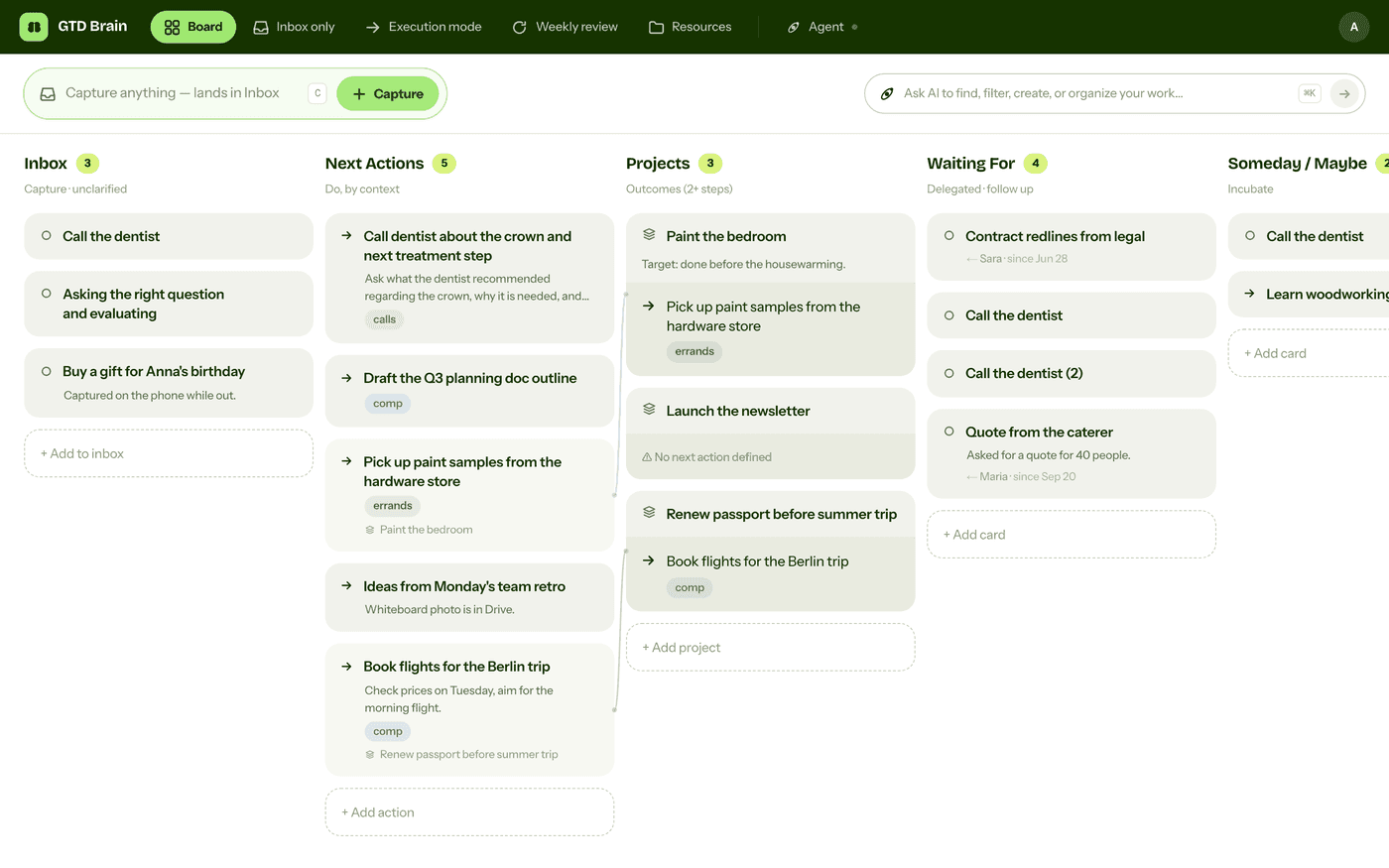
A complete Getting Things Done setup inside IntelliJ IDEA, PyCharm, WebStorm and the other JetBrains IDEs, with screenshots: one text file and custom TODO patterns and filters for Inbox, Next Actions by context, Projects, Waiting For and Someday, capture in code comments, a daily clarify and a weekly review, then where a file in one project stops working and the GTD Brain plugin that puts a board in a side panel.

· 9 min read

Setup guide

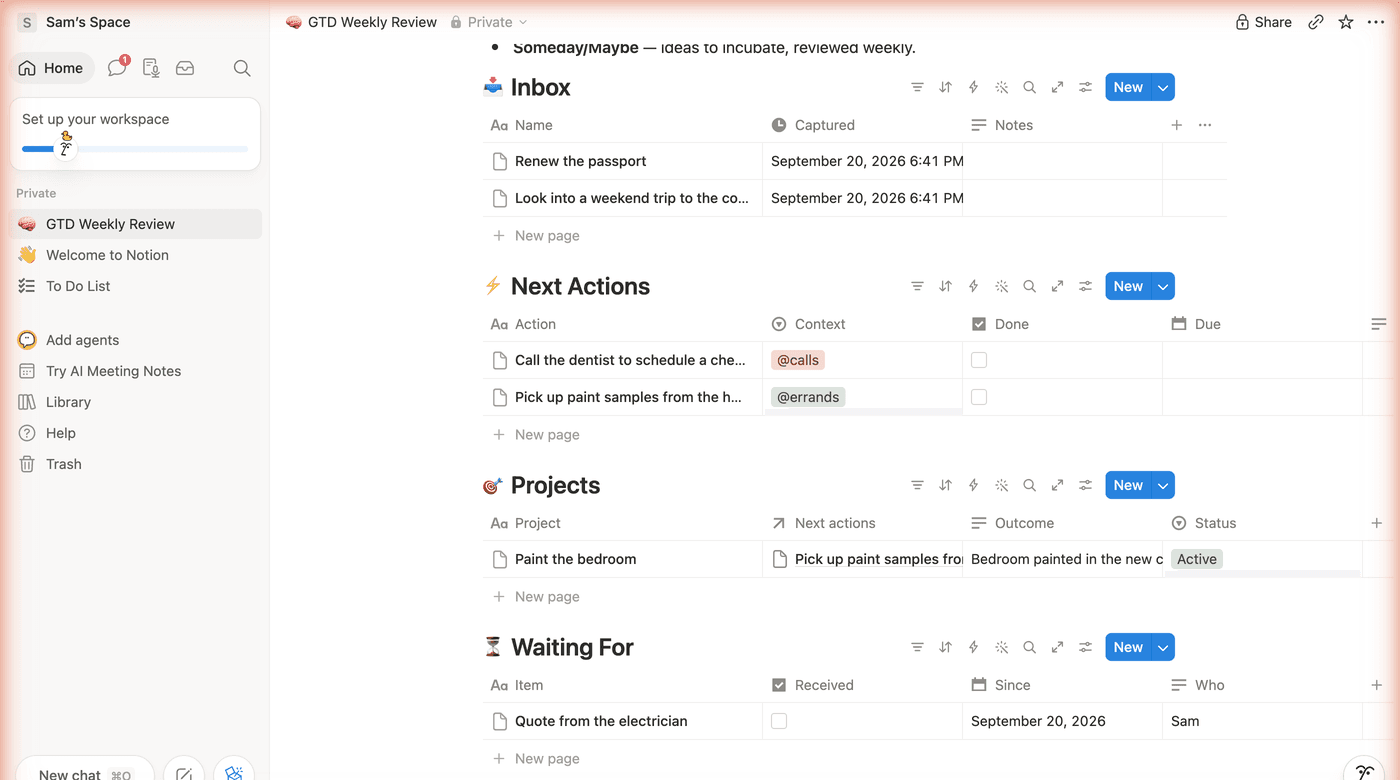
How to do GTD in Notion (with a free template, and what Notion still will not do)

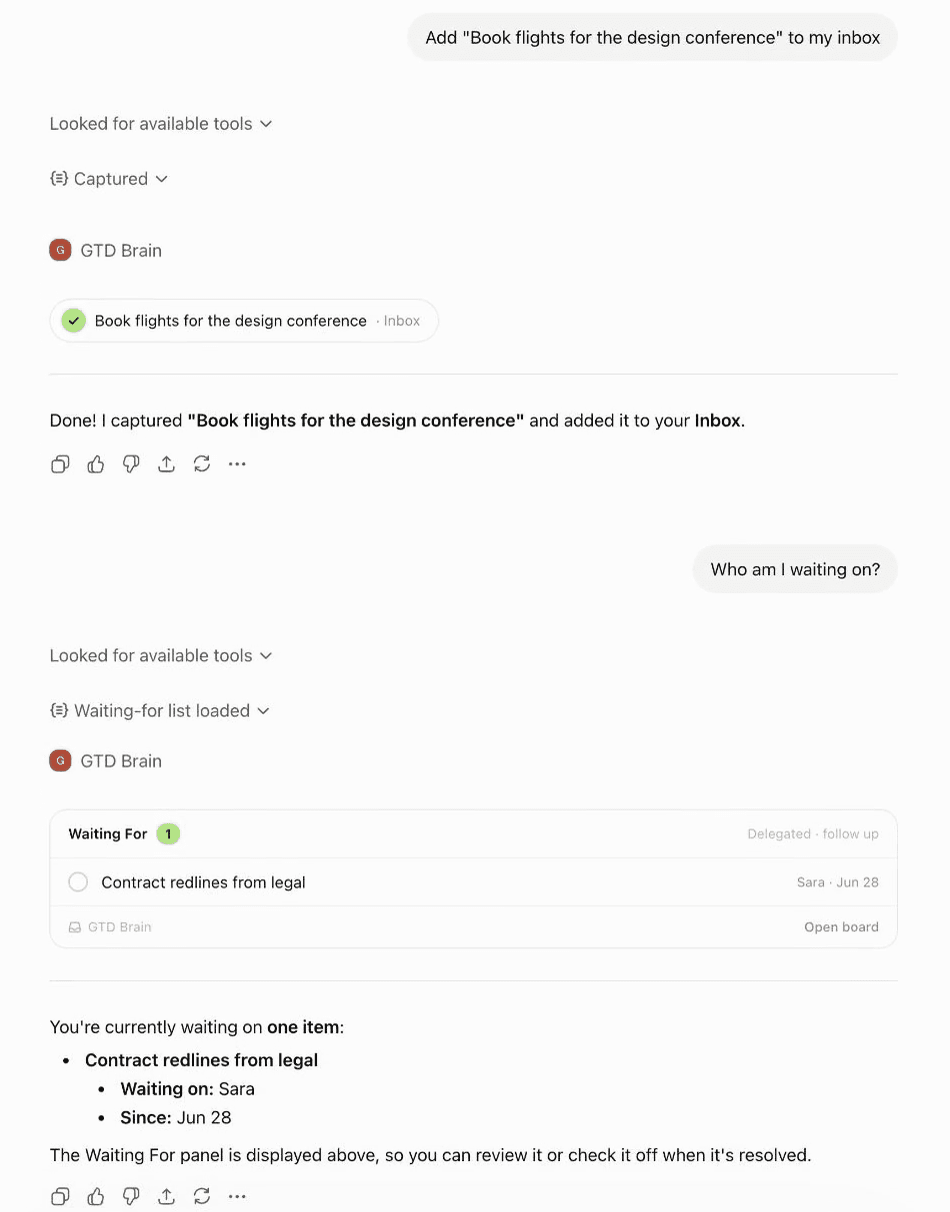
A complete Getting Things Done setup in Notion, with screenshots: duplicate the free GTD Weekly Review template, capture into the Inbox, clarify into Next Actions on a board grouped by context, keep Projects linked to their next actions, run the three-phase weekly review checklist, then where Notion stops asking you questions and how Notion AI, ChatGPT or Claude can run the review with you.

· 9 min read

Setup guide

How to do GTD in Gemini CLI (Markdown lists, slash commands, and where it breaks)

A complete Getting Things Done setup inside Gemini CLI: one folder with a Markdown file per list, a context file that teaches the method, custom slash commands for capture, what-now, a daily clarify and the weekly review, then the point where lists in a folder on one machine stop working and the GTD Brain extension that keeps the terminal workflow on a board your phone and your other assistants share.

· 8 min read

Setup guide

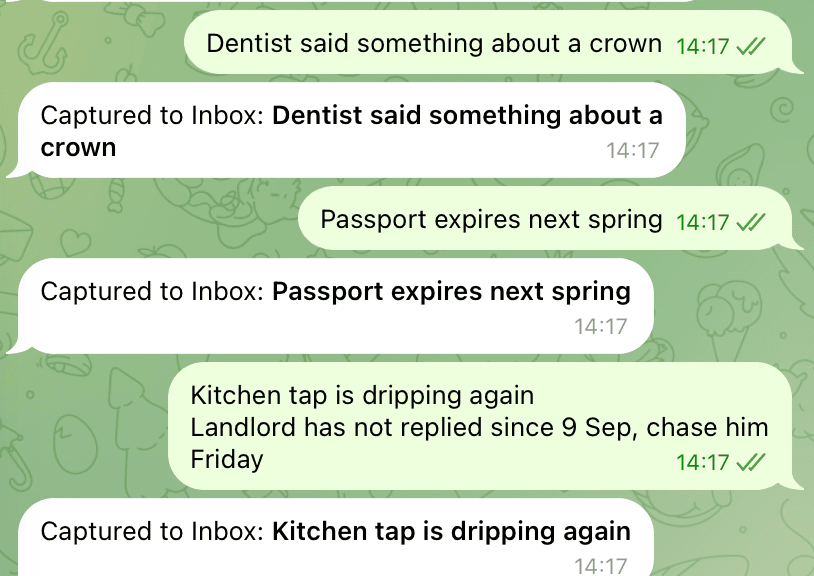
How to do GTD in Telegram (and why Saved Messages stops working after a week)

A complete Getting Things Done setup in Telegram: Saved Messages as the inbox, one private channel per list in a GTD folder, hashtags as contexts, Waiting For from forwarded messages, a daily clarify and a weekly review, then the point where a chat stops behaving like a list and how a capture bot fixes it, with screenshots.

· 8 min read