Things 3 for Windows? It doesn't exist. Here is what works on Windows and Android
Things 3 runs on Apple devices only: no Windows app, no web version, no Android app. What you can use on Windows and Android instead, with a 42-second video.
On this page
Things 3 does not run on Windows. It is made for Apple devices only: it has no web version to open in a browser and no Android app. If you use a Windows PC, an Android phone, or both, you cannot use it. The video below is 42 seconds and shows what you can use instead.
Where Things 3 runs, and where it does not
- Mac, iPhone and iPad: yes. Each of the three apps is bought separately.
- Windows: no app, and no web version to use in a browser.
- Android: no app.
- A browser on any computer: no web version.
None of this says Things 3 is a bad app. It is a polished task manager for people who live entirely inside Apple’s devices. The trouble starts when your work PC runs Windows, or your phone is an Android, because your tasks are then out of reach on half your devices. For GTD (Getting Things Done) that is a real problem: the method depends on capturing everything into one inbox the moment you think of it, on whatever device is in your hand.
What GTD Brain runs on
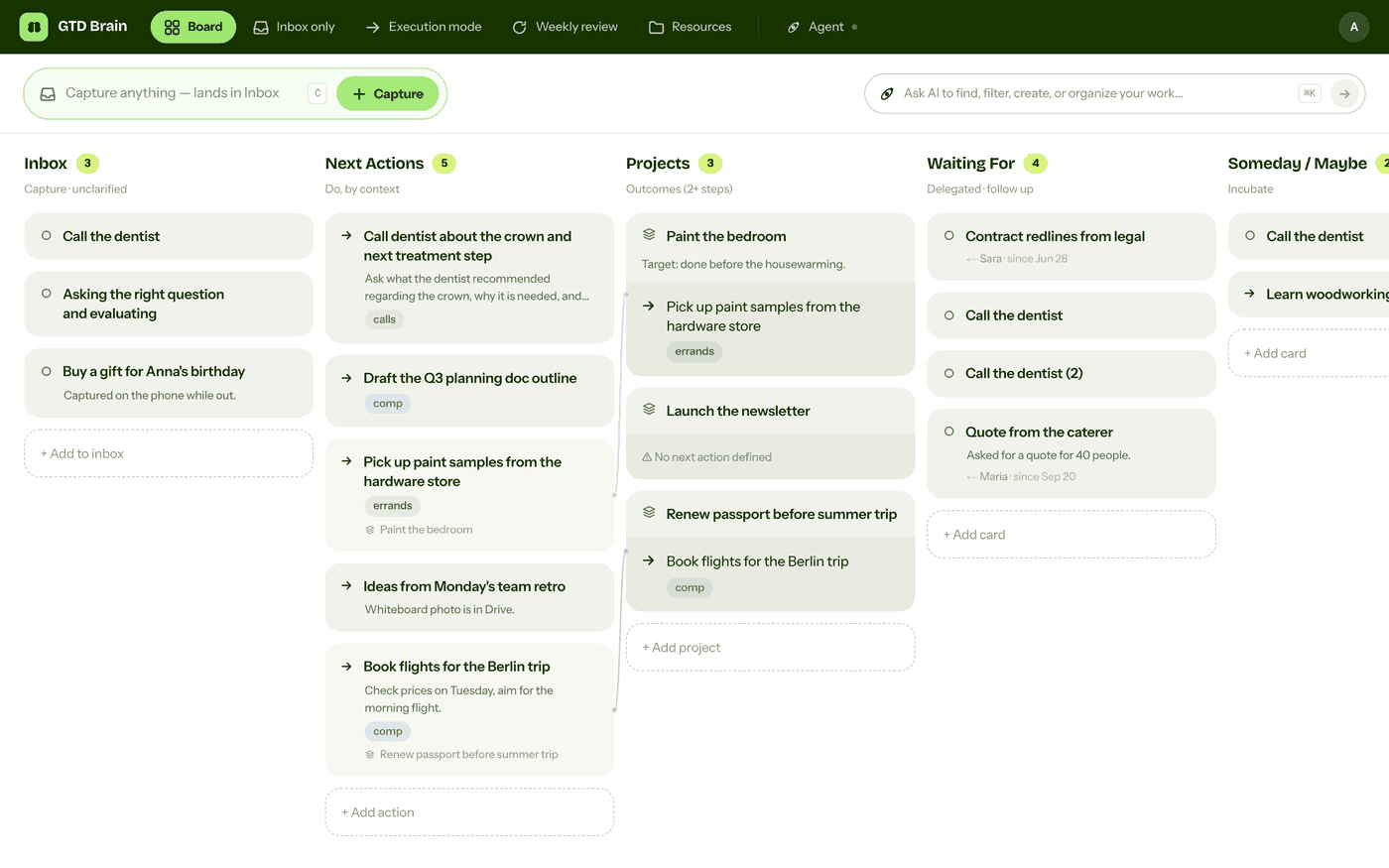
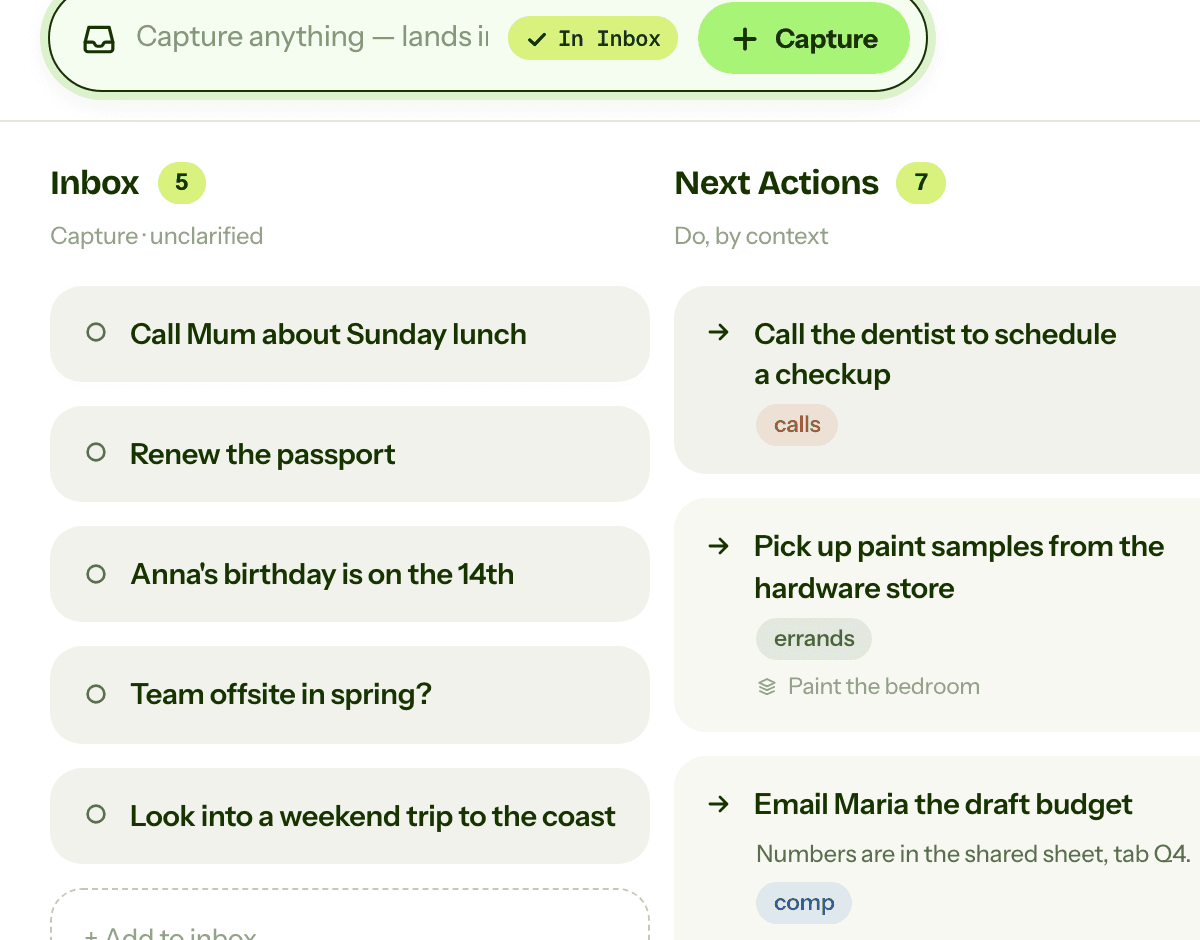
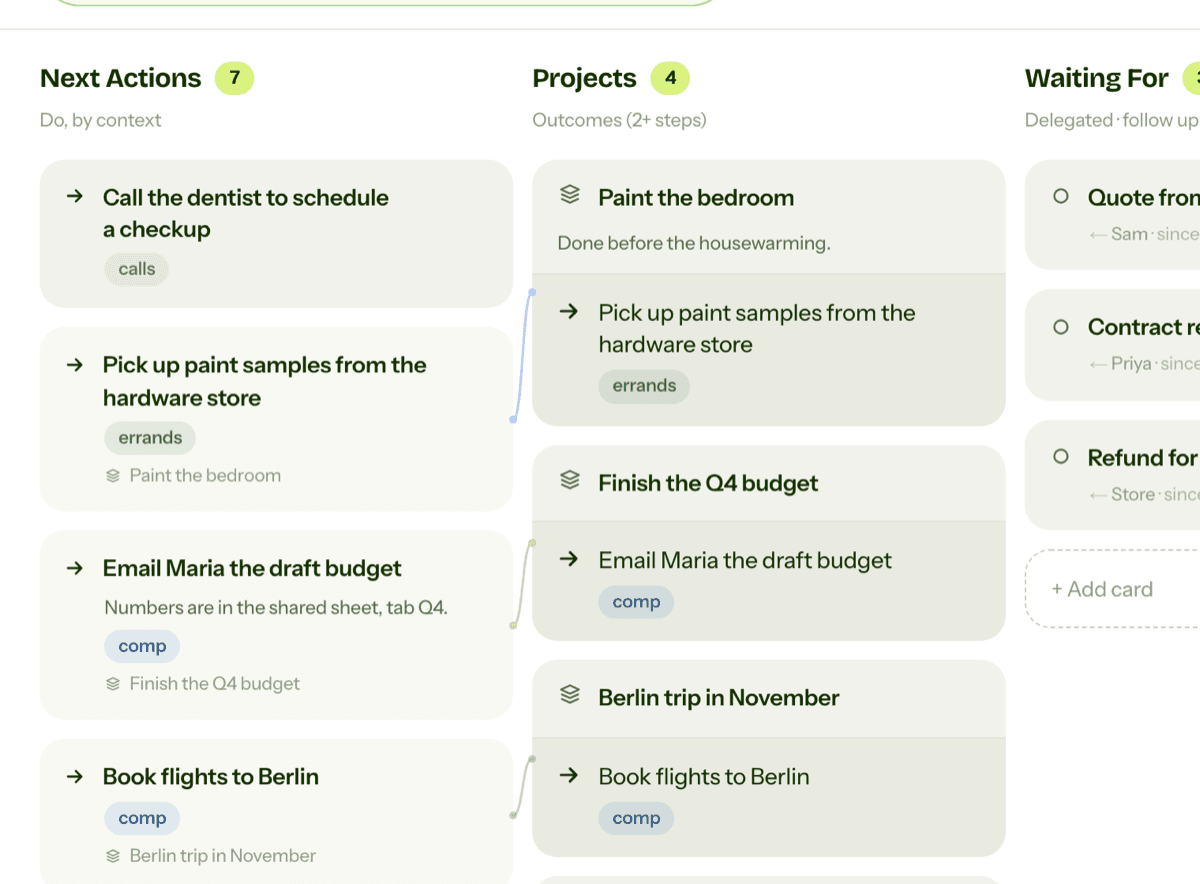
GTD Brain is a GTD board: Inbox, Next Actions with contexts, Projects, Waiting For and Someday/Maybe, with a guided weekly review. It works on:
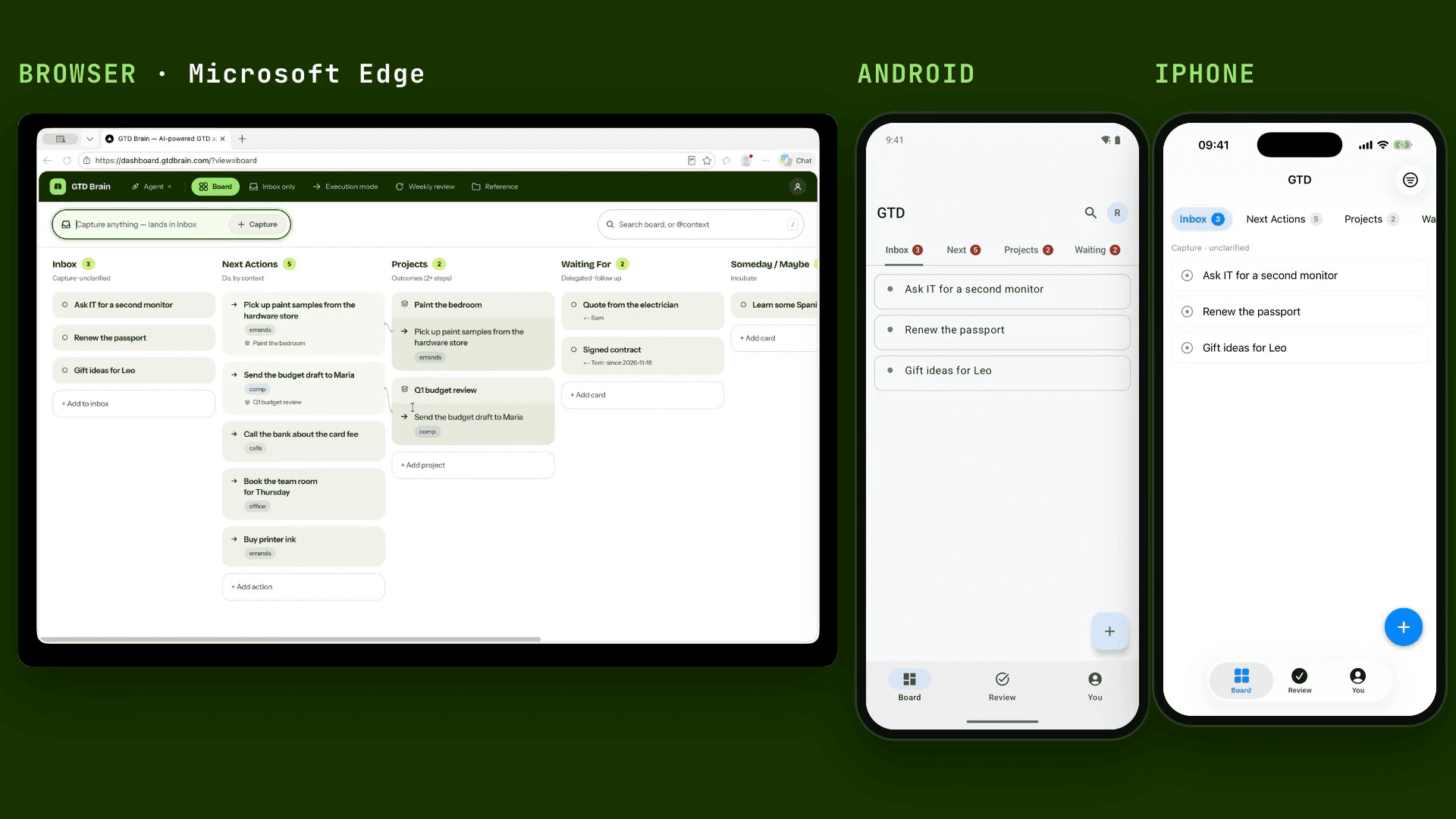
- Web: any modern browser. Edge is in the video, and Chrome and Firefox work the same way. Nothing to install.
- iOS: the iPhone app.
- Android: the Android app.
- ChatGPT and Claude: talk to your board inside either assistant.
- Others: more places, listed on the connections page.
It is all one account and one board. In the video, a thought typed in the browser lands in the Inbox, and a few seconds later the same card is on the Android and iPhone apps. You sign in with an email code, no password.
If you are moving from Things 3
GTD Brain does not import from Things 3. The simplest way across is a brain dump: write out what is in your Things 3 lists into the Inbox, then clarify each item into a next action, a project or a Waiting For card. It is also a chance to drop what you no longer care about. The Inbox guide and the next actions guide cover that step.
More videos
See the board on a phone: GTD on Android and GTD on iPhone. Using it from an assistant: GTD in ChatGPT (video) and GTD in Claude (video).
Things 3 is a trademark of Cultured Code GmbH & Co. KG. GTD® and Getting Things Done® are trademarks of the David Allen Company. GTD Brain is made by Minosin AB - Sweden, and is not affiliated with or endorsed by either company.
Questions people ask
Is there a Things 3 for Windows?
No. Things 3 runs on Apple devices only: Mac, iPhone and iPad. It has no Windows app and no web version you can open in a browser, so a Windows PC cannot use it. A GTD board that runs in any browser, such as GTD Brain, works on Windows.
Is there a Things 3 for Android?
No. Things 3 has no Android app. Its Mac, iPhone and iPad apps are bought separately, and there is no web version to fall back on from an Android phone. GTD Brain has an Android app, plus an iPhone app and a browser version, all on one account.
What can I use instead of Things 3 on Windows?
Anything that runs in a browser. GTD Brain is a GTD (Getting Things Done) board you open in Edge, Chrome or Firefox with nothing to install. It has Inbox, Next Actions with contexts, Projects, Waiting For and Someday/Maybe lists, a guided weekly review, and the same board in its Android and iPhone apps.
Can I import my Things 3 tasks into GTD Brain?
No, there is no import. Write what is in your Things 3 lists into the GTD Brain Inbox as a brain dump, then clarify each item into a next action, a project or a Waiting For card. It is a good moment to drop what you no longer need.
Start free for a month →No charge for your first month · Cancel anytime